Keyframes you control
Level from 1× to 4×, with zoom in, hold and zoom out timing and four easing curves.
Zoom video
Add a zoom at the playhead, drag the focus box, and the camera pans from one spot to the next.
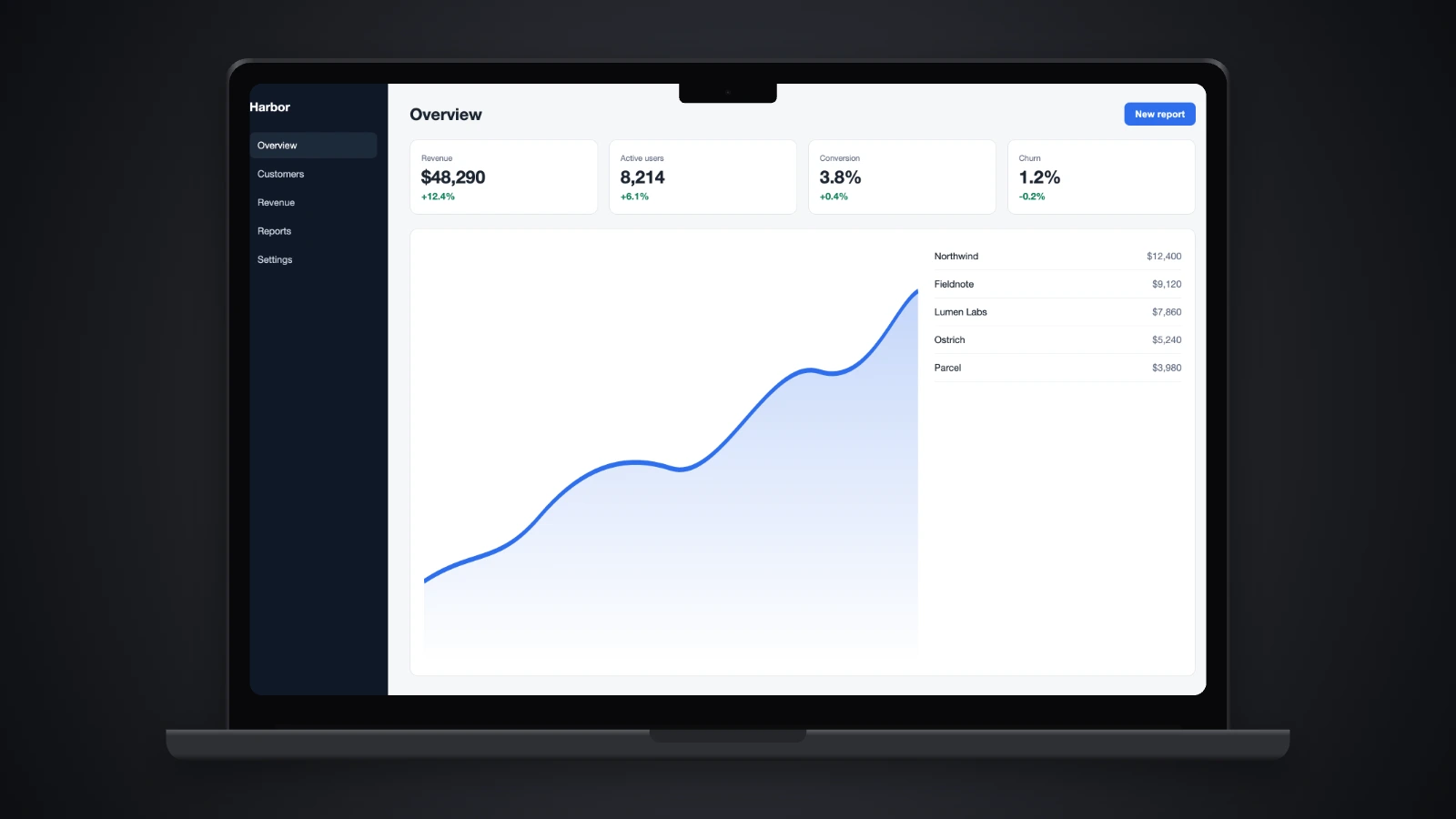
Level from 1× to 4×, with zoom in, hold and zoom out timing and four easing curves.
It looks for where the screen changes and proposes blocks you can accept or skip.
An optional shutter blur while the camera moves. It runs on any dropped video, right in the tab.
Choose Animated camera when the video opens.
Press Z at the playhead or let Suggest zooms propose blocks, then drag the focus box onto what matters.
Set the zoom level, timing and easing, add motion blur, and export MP4.
Open the video in Animated camera mode, add a zoom block at the playhead and drag its focus box over the area. The camera eases in, holds and eases back out.
Suggest zooms scans the recording for where the screen changes and proposes zoom blocks. Accept the ones you want and adjust them.
Yes. Turn on Pan from previous zoom and the camera moves straight from one focus point to the next without zooming out.
No. Record with any tool you like, such as the one built into your operating system, then drop the file here.