Any computer
Windows, macOS, Linux or ChromeOS, in Chrome, Edge, Safari or Firefox.
Screen Studio alternative
Screen Studio is a paid Mac app that records your screen. If you work on Windows or Linux, or you already have the recording, LickingSpoons adds the background, frame and zooms in your browser for free.
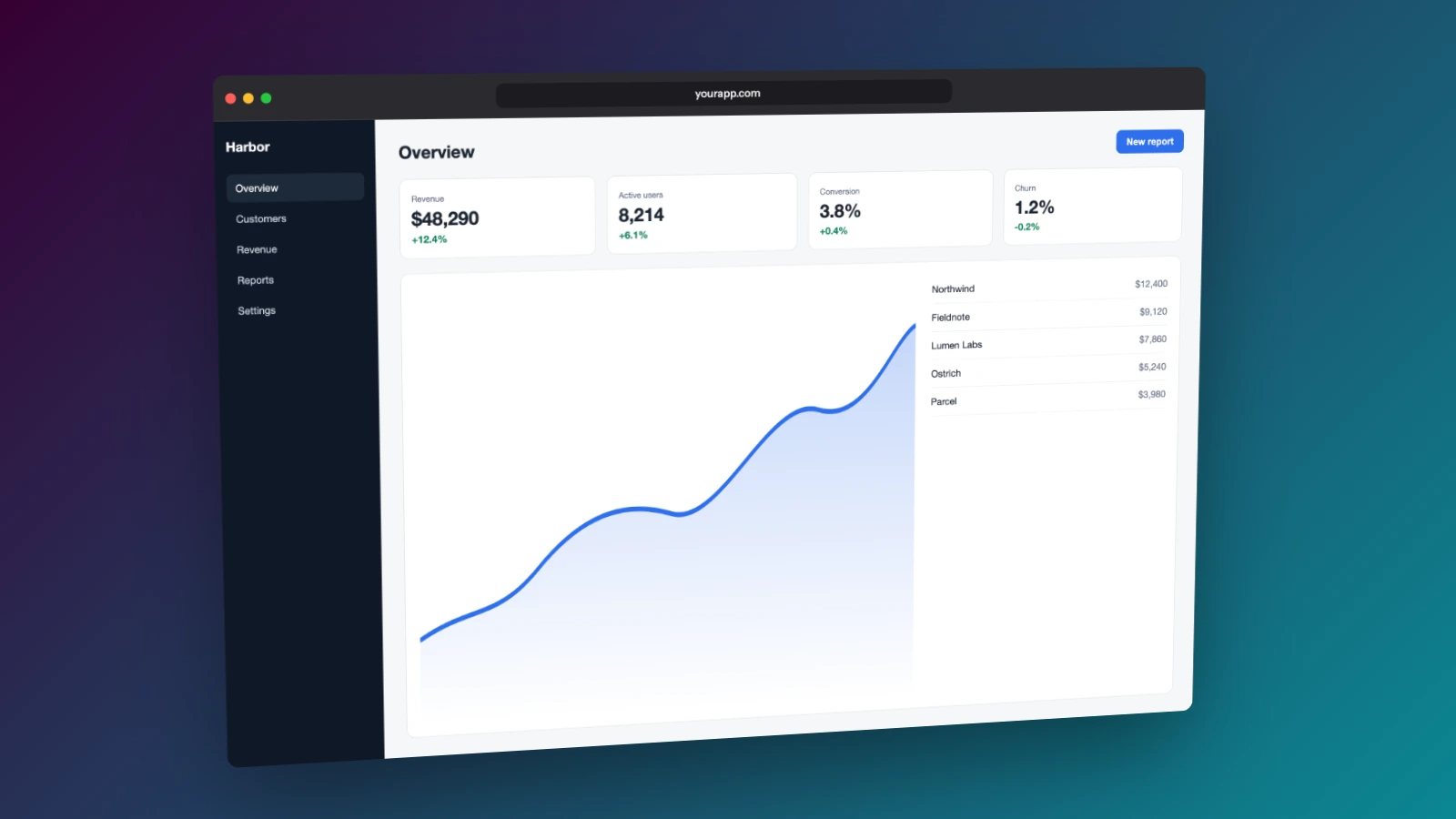
Windows, macOS, Linux or ChromeOS, in Chrome, Edge, Safari or Firefox.
Use the recorder you already have. The editor opens MP4, MOV, WebM and MKV files.
Every export is clean, with no account and no paid tier.
Use the Snipping Tool, OBS, QuickTime or the recorder in your browser.
Choose Animated camera, then pick a background and a window or device frame.
Let Suggest zooms propose the busy moments, adjust them, and export MP4.
| Feature | Screen Studio | LickingSpoons |
|---|---|---|
| Price | Paid | Free, with no watermark |
| Runs on | macOS | Any desktop browser, on Windows, macOS, Linux or ChromeOS |
| Install | A Mac app | Nothing to install |
| Records your screen | Yes | No. Use any recorder, then drop the file |
| Zooms | Automatic, following your clicks | Suggested from where the screen changes, then placed and tuned by you |
Screen Studio records your screen and cursor itself and zooms where you click while you record. LickingSpoons doesn't record, so it can't follow clicks it never saw. If you're on a Mac and want recording and automatic zooms in one app, Screen Studio is built for exactly that.
Screen Studio is a trademark of its owner, which has no connection to this site.
LickingSpoons runs in the browser, so it works on Windows. It doesn't record the screen, so pair it with a recorder such as the Snipping Tool or OBS, then add the background, frame and zooms here.
Partly. Suggest zooms finds the moments where the screen changes and proposes zoom blocks, which you can accept, move or delete. Screen Studio follows your clicks while it records, which needs its own recorder.
Yes. It runs in Safari, Chrome, Edge or Firefox on macOS.
No. Decoding, rendering and encoding all happen in your browser tab.