63 gradients
Grouped by mood, plus mesh, patterns and your own image. Match image builds a gradient from the colours in your screenshot.
Screenshot beautifier
Drop a screenshot, take a look you like, and export it. No watermark, no account, no upload.
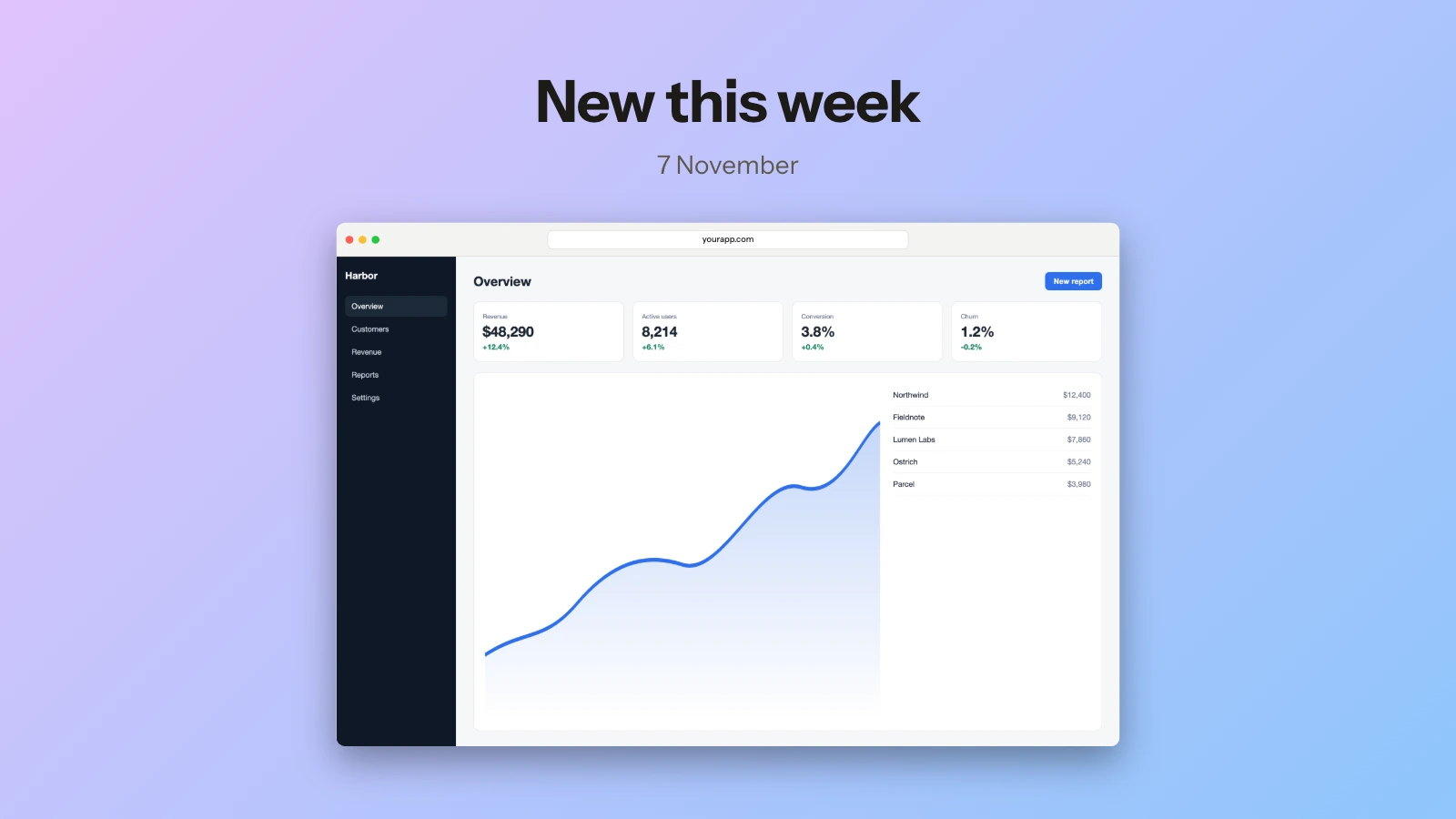
Grouped by mood, plus mesh, patterns and your own image. Match image builds a gradient from the colours in your screenshot.
Every export redraws from your source at the size you pick, so edges stay sharp. PNG, JPEG, WebP and AVIF.
Set the background to None and the PNG or WebP keeps its alpha.
Drop it on the page, paste it from the clipboard, or choose a file.
Start from a template or press R for a random one, then adjust the background, padding, corners and shadow.
Copy it straight to the clipboard, or export PNG, JPEG, WebP or AVIF at the size you need.
Drop the screenshot here and it lands on a gradient right away. Pick another gradient, a solid colour, a mesh, a pattern or your own image from Background, and Match image builds one from your screenshot's colours.
Yes. Set the background to None and export PNG or WebP, and the file keeps its transparency.
Yes. Drop two or more to place them side by side, stacked or as overlapping cards. Batch export applies one look to a whole set and saves a ZIP.
No. Exports are clean at every size, and there is no paid tier that removes anything.