No upload
The video is decoded and encoded on your device, so a long file costs you nothing to send.
Video background
Drop an MP4, MOV, WebM or MKV. Everything you can do to a screenshot works on the video too.
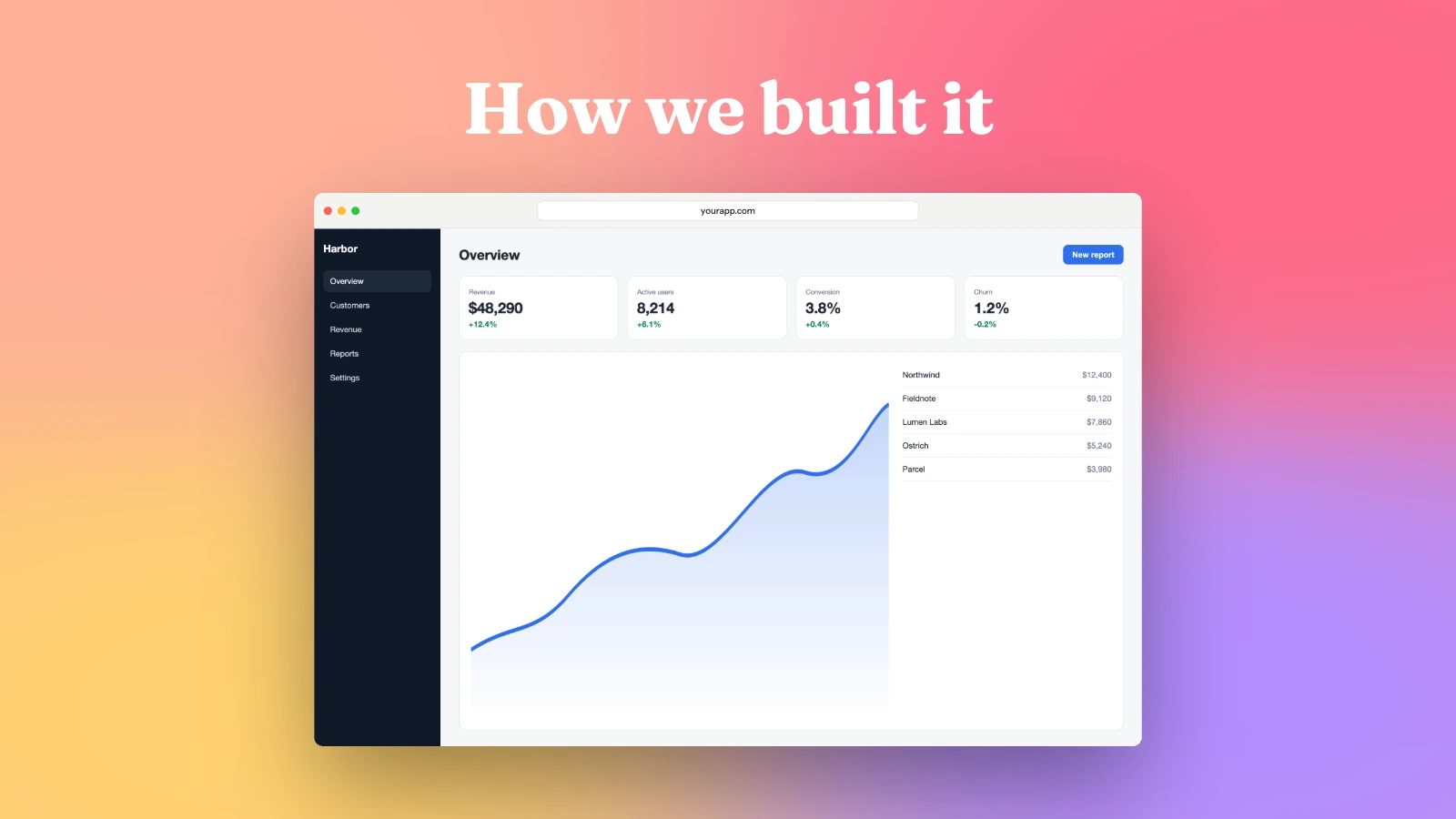
The video is decoded and encoded on your device, so a long file costs you nothing to send.
H.264, HEVC, VP9 or AV1 where your browser can encode them, from Draft to Max.
Trim the ends, cut out the middle, set the speed and the volume.
MP4, MOV, WebM or MKV from any recorder, on any operating system.
Pick a background, a window or device frame, corners and a shadow. Trim the ends and cut the middle.
MP4 or WebM at the quality you choose, or a GIF for short clips.
Drop the video here and choose Simple or Animated camera. It lands on a gradient right away, and Background lets you pick another, a mesh, a pattern or an image.
No. It is decoded and encoded on your device, so a large file never leaves it.
Recent Chrome, Edge, Safari and desktop Firefox. The editor checks which codecs your browser can encode and lists only those.
There is no set limit. Long exports stream to disk in Chrome and Edge, while other browsers hold the file in memory, so very long videos depend on your device.