Exact sizes
1320 × 2868 for iPhone and 2064 × 2752 for iPad, ready as presets.
App Store screenshots
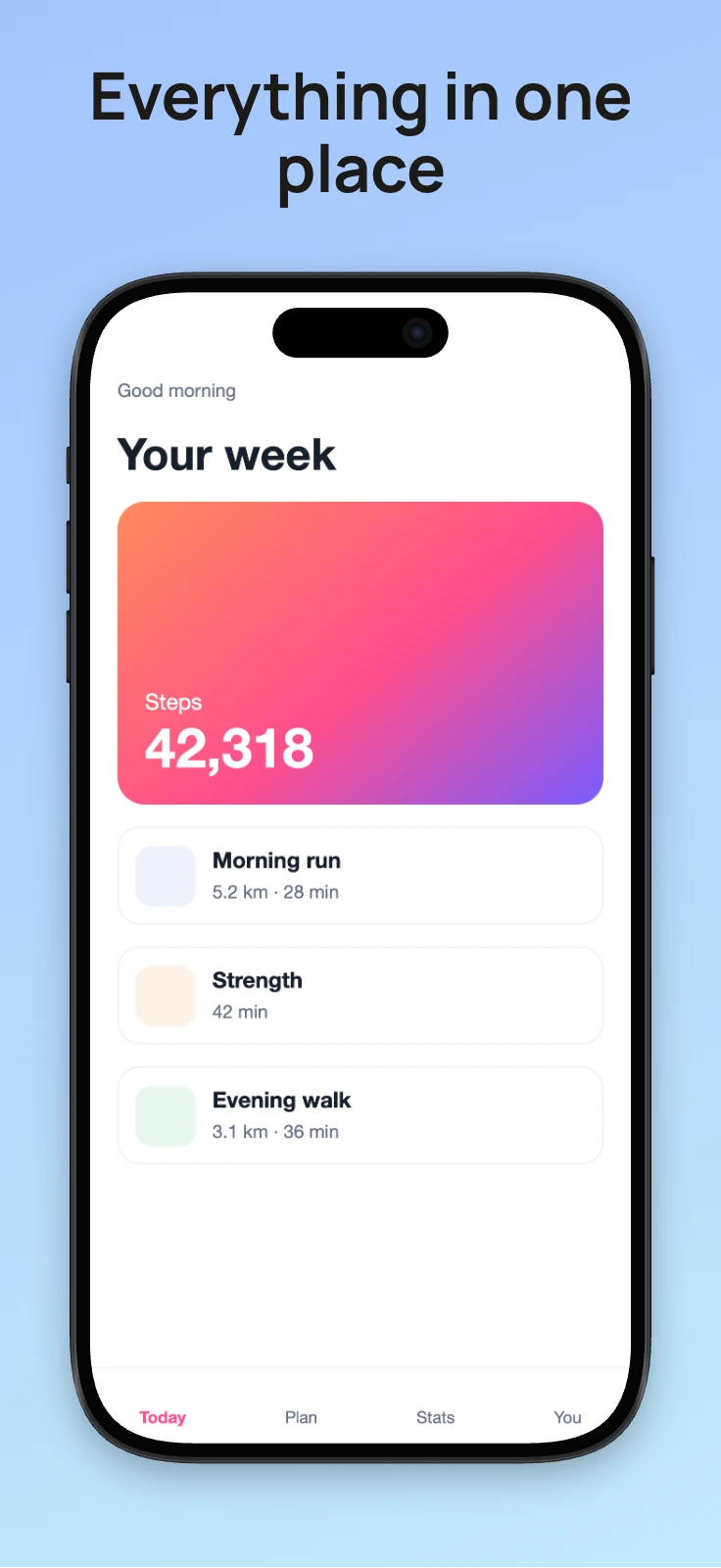
Start from the App Store template, drop a screen, write the headline and export at Apple's largest sizes. Batch export runs the whole set in one go.
1320 × 2868 for iPhone and 2064 × 2752 for iPad, ready as presets.
Batch export applies the same frame, background and style to every screenshot and saves a ZIP.
App Store Connect wants flat images, so export PNG or JPEG with a background.
It sets the iPhone style frame, the canvas size and a heading for you.
Swap in the next screenshot and the style stays. Edit the headline for each one.
Export one at a time, or use batch export for a ZIP of every screenshot.
| Device | Size in pixels | Preset in the editor |
|---|---|---|
| iPhone, 6.9 inch display | 1320 × 2868 portrait | App Store iPhone |
| iPad, 13 inch display | 2064 × 2752 portrait | App Store iPad |
These are Apple's largest sizes, and App Store Connect scales them down for smaller displays. Apple accepts a few other sizes too and updates its list from time to time, so check its screenshot specifications before you upload. Screenshots can't be transparent, so export PNG or JPEG with a background.
Apple's largest iPhone size is 1320 × 2868 pixels in portrait, for the 6.9 inch display, and App Store Connect scales it down for smaller iPhones. For iPad the largest is 2064 × 2752, for the 13 inch display. Apple accepts a few other sizes too, so check its screenshot specifications before you upload.
Up to ten for each display size and language.
No. It runs in a browser on Windows, macOS, Linux or ChromeOS, and nothing is uploaded.
No, at any size, and no account is needed.