Three styles
macOS, Windows or minimal window controls, in light, dark or translucent.
Browser mockup
Drop a page capture and it sits in a browser frame with your address in the bar. Pick the window style and the background, then export.
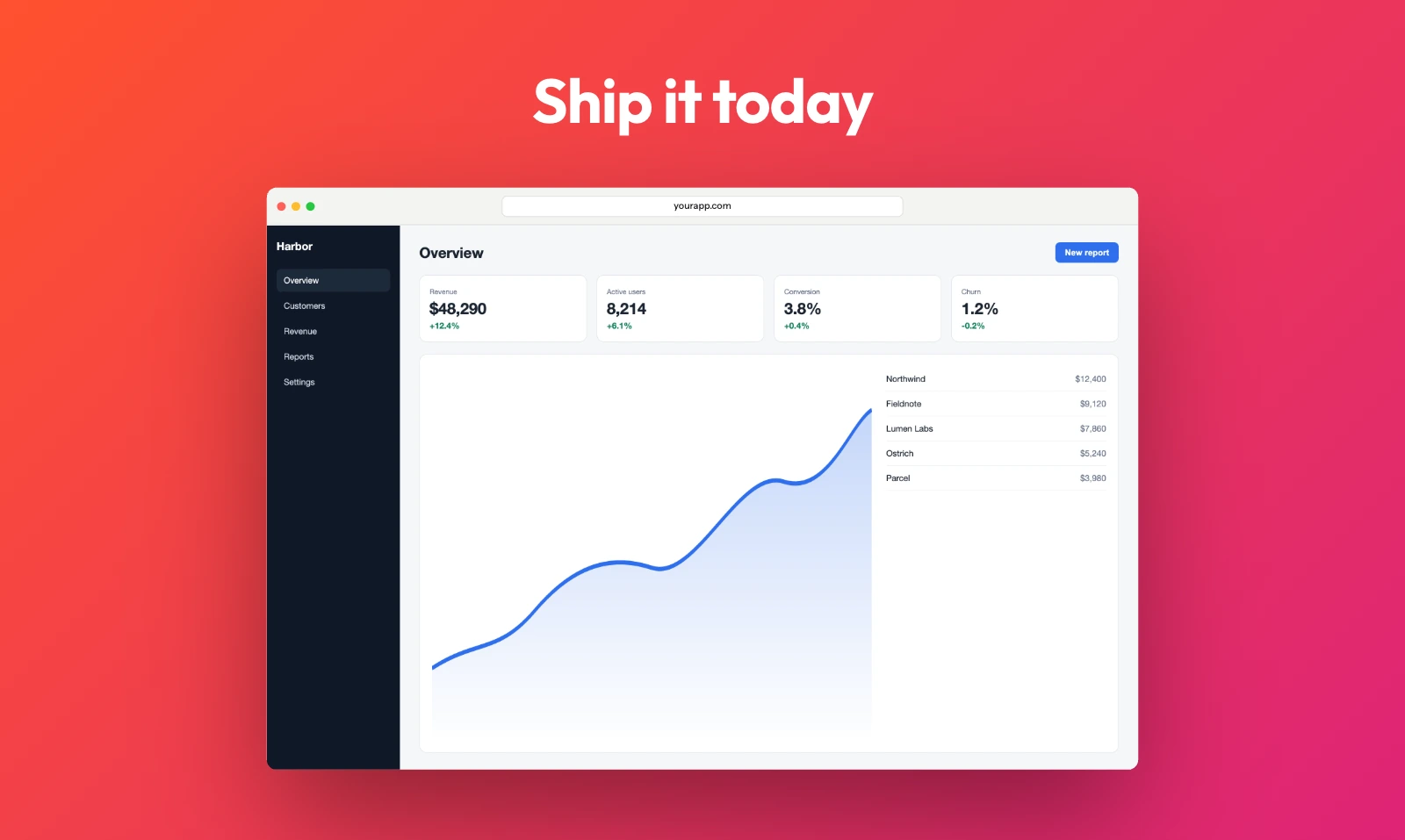
macOS, Windows or minimal window controls, in light, dark or translucent.
Type the URL shown in the bar, and add a tab strip if you want one.
Presets for the Product Hunt gallery, X, LinkedIn, Instagram and Dribbble.
Take a window or full-page screenshot in any browser.
Choose the Browser window frame, then set its style, look, URL and tabs.
Pick a size preset and export PNG, JPEG, WebP or AVIF.
Take a screenshot of the page, drop it here and choose the Browser window frame. Type your URL into the address bar, pick light or dark, and export.
Yes. A tall capture fits inside the window, and you can crop it to the part you want to show.
Yes. No account and no watermark, at any size up to 8K.
No. It stays in your browser tab from drop to export.